An ad tag variable — a macro — is a placeholder you put in your Ad Tag URL. Just before the player asks your ad server for an advert, it swaps each macro for a real value from the page. Your ad server receives the video’s title, the page it was watched on, the viewer’s IP address and more, so it can pick a relevant advert and report on it properly.
You write this:
https://adserver.example.com/vast/15987426?title=[post_title]&vid=[post_id]&cb=[random_number]Your ad server receives this:
https://adserver.example.com/vast/15987426?title=Summer%20Highlights&vid=42&cb=1756684800000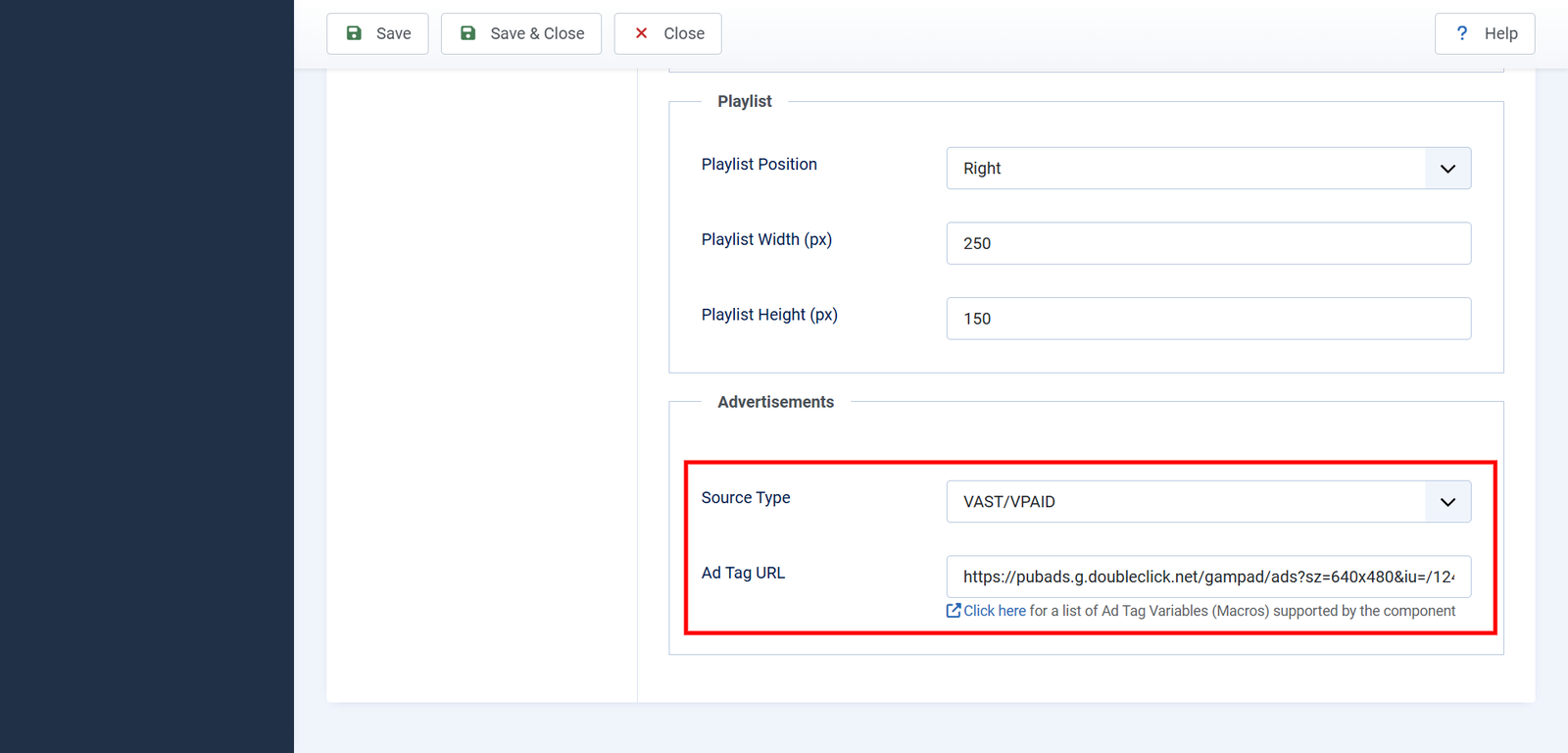
If you followed an earlier version of this page, please read Three macros were renamed below. Three of the names published previously never worked. If your ad tag uses them, your ad server has been receiving the literal text rather than a value.
Before you start
- Macros work with VAST/VPAID only. Set Source Type to VAST/VPAID under Options → Player → Advertisements. With Custom Ads the Ad Tag URL is replaced internally, so anything you type there — macros included — is discarded.
- Advertising is a premium feature. Without a working license key no advert is requested at all. See Add your license key.
- Your ad server decides what to do with the values. Yendif Video Share sends them; it cannot make an ad server read a parameter it does not expect. Check your ad server’s own documentation for the parameter names it wants.
How to use them
1. Go to Components → Yendif Video Share → Videos and click Options.
2. Open the Player tab, then the Advertisements section.
3. Set Source Type to VAST/VPAID.
4. In Ad Tag URL, paste the tag your ad network gave you, then add the macros you want as ordinary query parameters. Include the square brackets, and separate parameters with &.
5. Click Save & Close, then load a video on the front end of your site.
Three rules worth knowing before you write a long tag:
- Type the brackets.
[post_id]works.post_iddoes not. - Spell it exactly. An unrecognised macro is not an error — it is simply left alone and sent to your ad server as literal text, brackets and all. That is what makes a typo so easy to miss.
- Use each macro once. Only the first occurrence of a macro is replaced. If you need the same value twice, ask your ad server whether it can copy the parameter instead.
Macros about the video
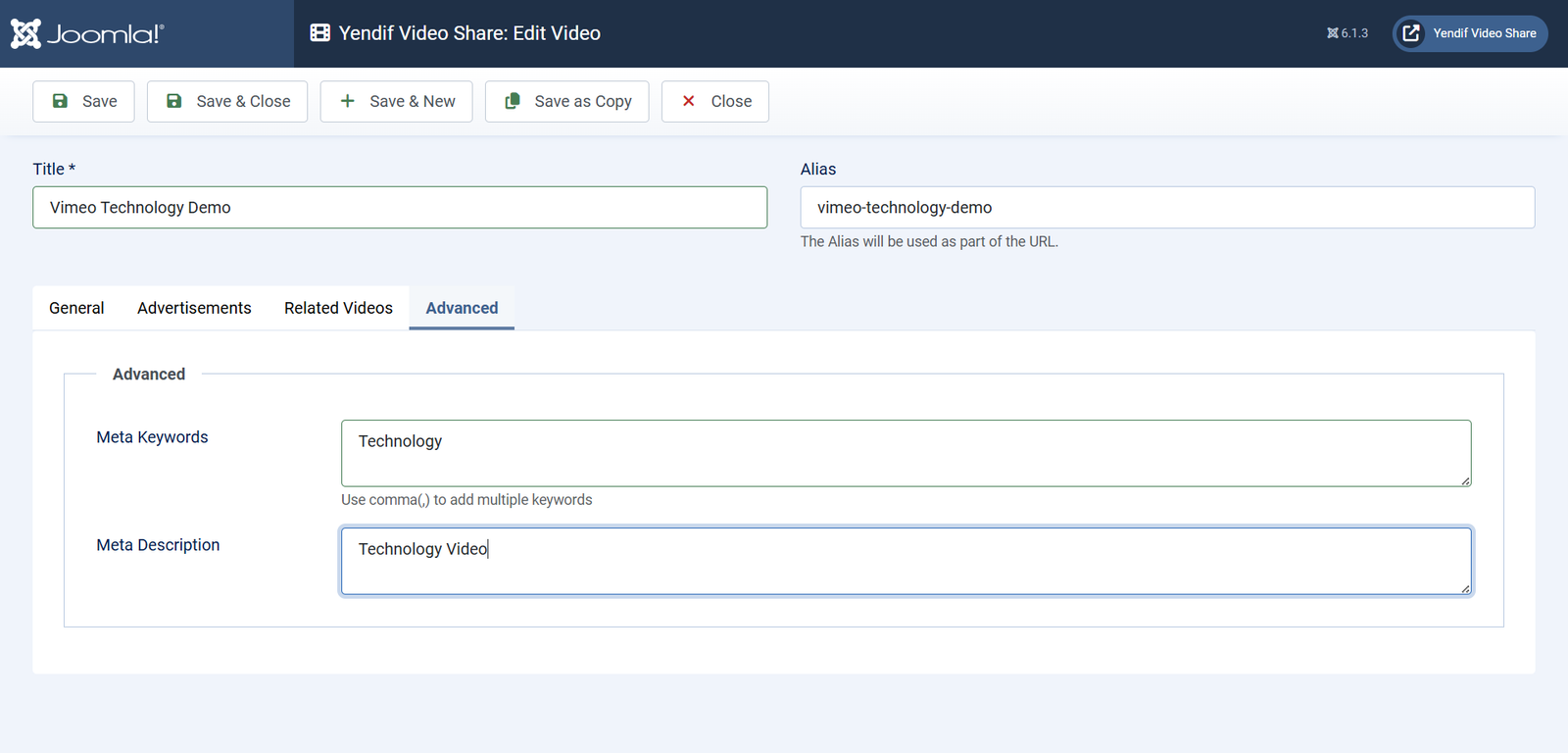
[post_id]— the video’s ID, the same number you see in the admin list. The most reliable way to tell your ad server which video is playing.[post_title]— the video’s title, URL-encoded.[post_excerpt]— the video’s Meta Description, URL-encoded. If that is empty, a shortened version of the Description is sent instead. Fill in Meta Description if you want control over what your ad server sees.[video_file]— the URL of the file currently playing, URL-encoded. For a YouTube or Vimeo video this is whatever address the player is actually using, which will not be your own site.[video_duration]— the video’s length in seconds. On a preroll this is often empty, because the advert is requested before the main video’s length is known. Do not rely on it for preroll targeting.
Macros about the page and the viewer
[domain]— your site’s address, URL-encoded. Despite the name this is the full root URL including the protocol and a trailing slash, sohttps://example.com/arrives ashttps%3A%2F%2Fexample.com%2F, not asexample.com.[page_url]— the address of the page the video was watched on, URL-encoded.[referrer]— the page the viewer arrived from, URL-encoded. Empty when they came directly, or when their browser withholds it.[ip_address]— the viewer’s IP address, as your server sees it. Behind a proxy or CDN this is taken from the forwarded headers where they are present.[player_width]— the player’s current width in pixels, as rendered.[player_height]— the player’s current height in pixels, as rendered.[autoplay]—trueorfalse, reflecting your Autoplay setting. Some ad networks price autoplay inventory differently, and some require you to declare it.
[ip_address]sends a visitor’s IP address to a third party. In many countries an IP address counts as personal data, so make sure your privacy policy covers it and that your ad network’s terms allow it. Only include it if your ad server actually needs it.
Cache busting
Most ad networks ask you to add a value that changes on every request, so that nothing along the way — the browser, a proxy, a CDN — serves the same advert twice from cache. That is what these two are for.
[random_number]— a value that changes on every request. Use this one wherever your ad network asks for a cache buster.[timestamp]— the moment the advert was requested.
Both send the same thing: the current time in milliseconds since 1 January 1970, such as 1756684800000. Two consequences worth knowing:
[timestamp]is not a formatted date. If your ad server expects something like2026-09-01 14:00:00, this will not satisfy it.- Using both gives you the same value twice. There is no benefit to including both in one tag. Pick
[random_number]and leave it at that.
Three macros were renamed
An earlier version of this page listed three macros under names the extension does not recognise. If you copied an ad tag from that page, replace them:
[video_id]— does nothing. Use[post_id].[video_title]— does nothing. Use[post_title].[video_excerpt]— does nothing. Use[post_excerpt].
Note that [video_file] and [video_duration] are correct as written — only those three changed.
Because an unrecognised macro is passed through untouched, nothing appeared to break. Your ad server was simply receiving the literal text [video_title] in place of a title, so any targeting or reporting built on it has been running on nothing. Fix the names in your Ad Tag URL, save, and check the request as described below.
See exactly what your ad server receives
Do not guess. Watch the request go out.
1. Open a page with one of your videos on the front end of your site.
2. Open your browser’s developer tools — F12 in most browsers — and select the Network tab.
3. Press play, then find the request to your ad server’s domain in the list.
4. Look at its full URL. Every macro should have become a real value.
If you still see square brackets in that URL, the macro name is wrong. Check it against the lists above, character for character.
If something goes wrong
- The brackets arrive at the ad server unchanged. The macro name is not recognised, so it was passed through as text. Check the spelling, and check it is not one of the three renamed above.
- No request to the ad server at all. Either Source Type is not VAST/VPAID, the Ad Tag URL is empty, or your license key is not working. See Earn money from your videos.
- Macros are ignored completely. Source Type is set to Custom Ads, which builds its own ad tag and discards what you typed. Switch to VAST/VPAID.
- The same macro twice, only the first replaced. That is the expected behaviour. Use each macro once.
[video_duration]arrives empty. The length was not known yet. Normal for a preroll.[referrer]arrives empty. The viewer came directly, or their browser withheld it. Nothing to fix.[post_excerpt]is not the text you expected. The video’s Meta Description is empty, so a shortened Description was sent instead. Fill in Meta Description.- The title arrives with
%20in it. That is correct — values are URL-encoded so they survive the trip. Your ad server decodes them. - Your ad server ignores a parameter that looks right. The value is arriving, but under a name your ad server does not use. Parameter names come from your ad network, not from this extension — check their documentation.
- It works on your site but not on a player embedded elsewhere.
[page_url]reads the address of the outermost page. When your player is embedded on a site on another domain, browsers block that read. Leave[page_url]out of tags you expect to run on embedded players, and contact support if you need this.
What to try next
- Earn money from your videos
To set up advertising from the beginning, including your own clips. - Add your license key
To switch advertising on in the first place. - Set up the player how you want it
To change autoplay, which[autoplay]reports on. - Settings reference
To look up any setting in detail.